
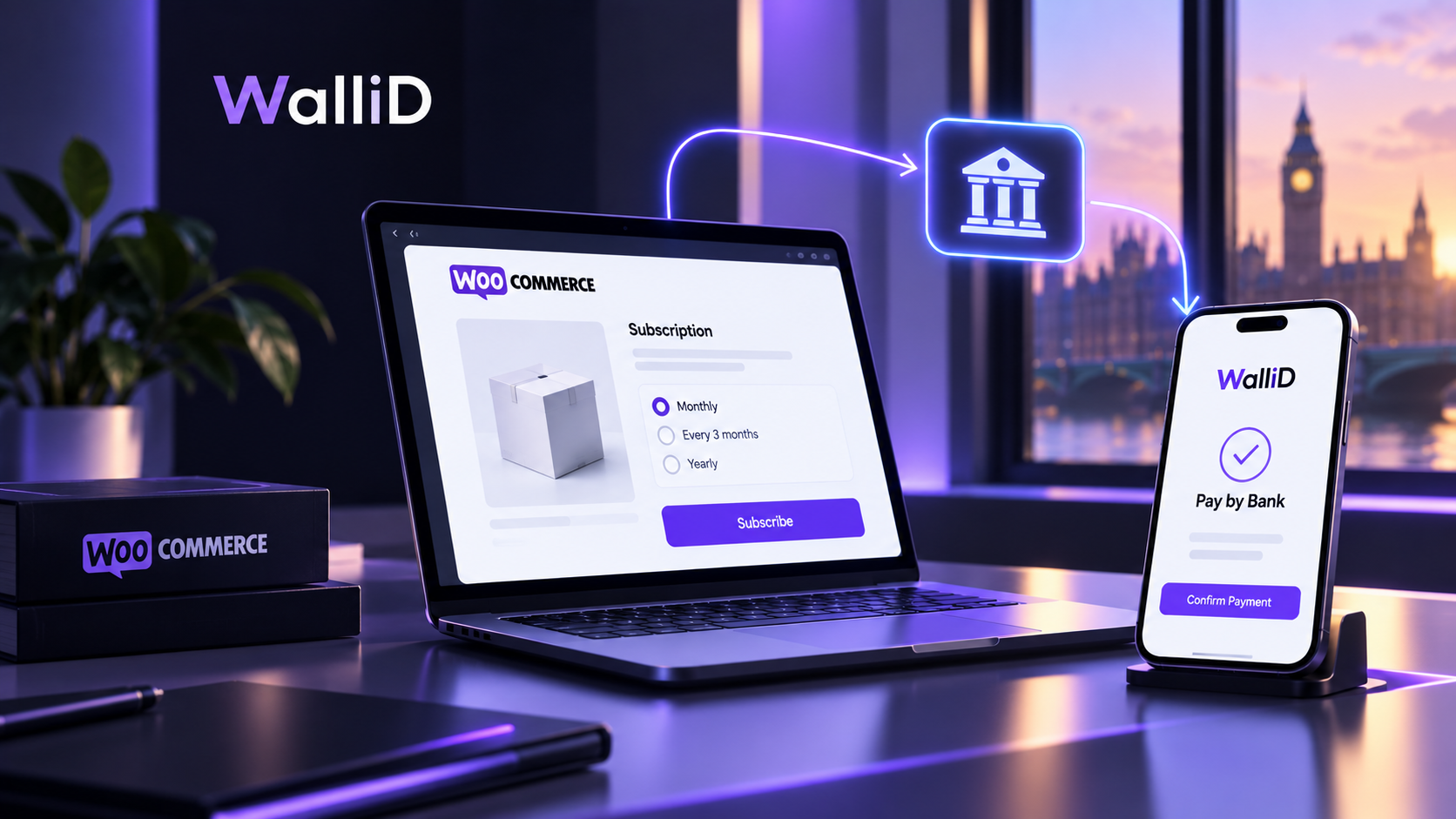
Setting up WooCommerce Subscriptions involves more than choosing a recurring price. Merchants need to configure the subscription product, billing schedule, customer controls, renewal method and checkout journey, then test the complete process before launch.
This article is about how a UK merchant can set up and test WooCommerce Subscriptions, from creating the subscription product and choosing billing intervals to configuring customer controls, renewal payments and launch checks. It focuses on the practical setup rather than comparing renewal models or explaining the wider UK subscription-contract regime.
What Do You Need to Set Up a WooCommerce Subscription?
A WooCommerce subscription normally starts with four core decisions:
- What the customer is subscribing to
- How often the subscription renews
- How long it continues
- How each renewal is paid
WooCommerce Subscriptions lets merchants configure the subscription price, payment schedule, subscription length, optional sign-up fee and free trial. Billing can be set for daily, weekly, monthly or annual periods, with intervals between one and six.
Before creating products, decide whether customers should have one fixed subscription option or a choice of plans or billing frequencies.
How Do You Create a Subscription Product?
For a simple subscription product, go to Products → Add New and select Simple subscription as the product type.
You can then define:
- recurring subscription price;
- payment schedule;
- subscription length;
- optional sign-up fee;
- optional free trial;
- billing-date alignment where required.
WooCommerce also supports variable subscription products when customers need different subscription tiers or variations.
Keep the customer-facing offer clear. The checkout should make the recurring price, billing interval and any trial or introductory terms easy to understand before the customer subscribes.
How Should You Configure Customer Controls?
Decide which changes customers can make themselves after subscribing.
Depending on your setup, WooCommerce can provide controls such as:
- changing the renewal schedule;
- skipping a renewal;
- pausing and resuming;
- cancelling;
- changing quantities or subscription products.
These controls are optional and can be configured by the merchant.
Only enable controls that match your fulfilment, stock and customer-service processes.
How Should You Choose the Renewal Method?
WooCommerce Subscriptions supports two main renewal methods:
Automatic renewal processes recurring payments without customer intervention when the payment gateway supports the required integration.
Manual renewal requires the customer to complete payment for each renewal.
The correct choice depends on the payment method, product and customer journey you want to operate.
For a customer-approved Pay by Bank renewal journey, the subscription system should prepare the renewal order while the customer reviews and authorises the new payment.
What Should You Test Before Launch?
Do not test only the initial checkout. Test the full subscription lifecycle.
Setup and checkout
Confirm that:
- the correct subscription price and interval appear;
- trial or introductory terms are clear;
- the expected products, shipping and taxes are included;
- the customer receives the correct subscription information.
Renewal
Check that:
- the renewal occurs on the expected schedule;
- the renewal order contains the correct items and amount;
- the selected payment method is available;
- payment confirmation produces the expected order and subscription status.
Customer controls
Test every customer-facing control you enable, including cancellation, pause, skip or schedule changes.
Failure scenarios
Also test what happens when:
- a renewal payment fails;
- the customer abandons payment;
- a renewal remains unpaid;
- a payment is retried;
- a renewal is cancelled or refunded.
WooCommerce's renewal process can involve different actions depending on whether the renewal is automatic or manual, so these scenarios should be checked against your actual payment setup.
What Should UK Merchants Review Before Going Live?
Your subscription journey should explain the important terms before the customer enters the contract. Review:
- recurring price and billing interval;
- trial or introductory pricing;
- what happens when the trial ends;
- how customers cancel;
- how ongoing payments are described;
- relevant customer communications;
- the refund process.
The new UK subscription-contract regime will introduce additional requirements for qualifying subscriptions.
Where Does Pay by Bank Fit?
Pay by Bank can be added as a payment option within a WooCommerce subscription journey.
With WalliD's customer-approved model, the subscription system prepares the renewal order and the customer then reviews and authorises the new Pay by Bank payment through their bank. Each new WalliD renewal payment requires fresh customer authorisation.
This means Pay by Bank should be treated as the payment step, not as a replacement for subscription scheduling or subscription management.
WooCommerce Subscription Setup Checklist
Before launch, confirm:
Product: subscription type, price, interval and duration are correct.
Customer: recurring terms, trial conditions and available controls are clear.
Renewal: the intended manual or automatic renewal method works as expected.
Payment: the chosen gateway appears at the correct stage and produces the expected result.
Operations: stock, shipping, tax, cancellation, refunds and customer support processes work with renewals.
Testing: successful, failed, abandoned and cancelled renewal scenarios have been tested.
Once these checks pass, your WooCommerce subscription journey is ready for a controlled launch.