
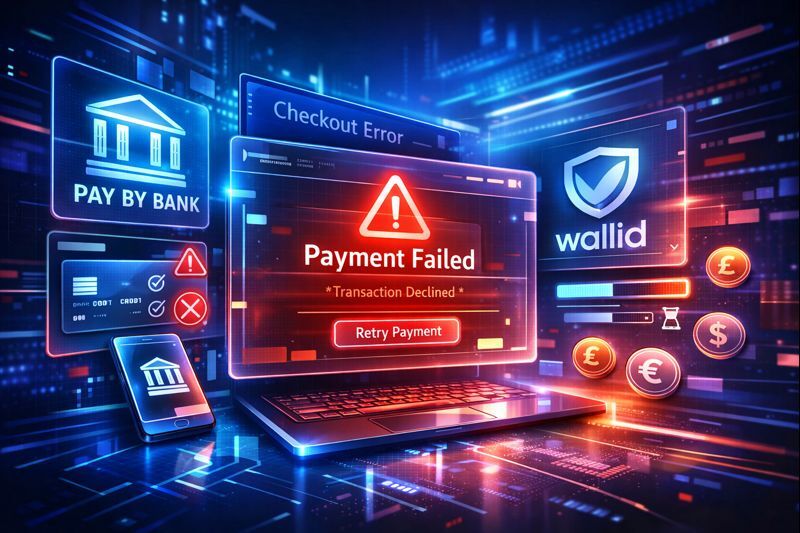
When the WooCommerce checkout stops working, it is rarely the checkout itself.
In most cases, what feels like a broken checkout is actually a payment failure happening at the final step of the purchase. This is one of the most common WooCommerce issues you will encounter, and in most situations it is fixable once the real cause is identified.
This article focuses on the most frequent payment-related reasons WooCommerce checkout fails, how those failures appear in real stores, and how to quickly determine whether the problem is configuration, gateway, or payment-method related.
How checkout problems usually show up in WooCommerce
When checkout issues occur, you rarely see clear technical errors. Instead, problems surface through symptoms such as:
- Customers click “Place order” and nothing happens
- The checkout page reloads without confirmation
- Orders are created but payments fail or stay pending
- Customers report being charged, but no order appears
- Cart abandonment suddenly increases with no design or pricing changes
These signals almost always indicate a payment execution problem, not a broken checkout page or form.
Checkout vs payment in WooCommerce: why the distinction matters
WooCommerce checkout happens in two distinct stages:
- Checkout validation – customer details, shipping, taxes, and required fields
- Payment execution – the payment gateway processes and confirms the transaction
When validation fails, customers usually see clear form errors.
When payment execution fails, the experience is different:
- No visible error message
- Page reloads or appears stuck
- Orders may exist without successful payment
- Gateways silently decline or fail to confirm the transaction
If customers can complete the form but problems occur after clicking “Place order,” the checkout itself is working. The failure is happening during payment.
The most common payment-related causes of checkout failure
Payment gateway misconfiguration
Misconfigured gateways are the most frequent cause of WooCommerce checkout failures.
Common examples include:
Common examples include:
In these situations, checkout appears functional, but the gateway refuses or fails to confirm the payment.
Payment methods that do not match customer expectations
In UK-based WooCommerce stores, checkout problems often occur when:
- Card payments are declined by issuers
- Customers do not trust the available payment methods
- Familiar local or bank-based options are missing
- Additional authentication steps interrupt the flow
From your side, checkout looks broken. From the customer’s side, payment feels unreliable or unsafe.
Strong Customer Authentication interruptions
SCA-related failures commonly disrupt checkout without providing clear feedback.
Typical scenarios include:
- 3D Secure challenges failing to load
- Authentication timeouts
- Customers abandoning during bank verification
These issues often result in pending orders, failed payments, and abandoned carts without obvious error logs.
Plugin, theme, or optimisation conflicts
Some checkout failures originate from conflicts that affect only the payment stage:
- JavaScript errors blocking gateway scripts
- Caching or optimisation tools interfering with payment requests
- Theme customisations breaking checkout hooks
Because the checkout page itself loads normally, these problems are frequently misdiagnosed.
Gateway delays and timeouts
Slow gateway responses can prevent WooCommerce from receiving timely payment confirmation, causing:
- Checkout pages to reload
- Orders to remain unpaid
- Customers to retry and create duplicate attempts
During traffic spikes or API slowdowns, these delays can quickly turn into lost sales.
How to tell if your checkout issue is payment-related
Your checkout problem is very likely payment-related if:
- Cart and checkout pages load correctly
- Shipping and tax calculations work as expected
- Issues occur only after clicking “Place order”
- Failures are inconsistent or customer-specific
- Cart abandonment increases without site changes
If most of these apply, your checkout is functioning correctly. The payment flow is where transactions are breaking down.
Why payment failures lead directly to cart abandonment
Customers rarely retry a checkout that fails without explanation.
When payments fail silently:
- Trust drops immediately
- Confusion replaces intent to buy
- Customers abandon rather than troubleshoot
This results in wasted traffic, higher support volume, and revenue loss that often goes unnoticed in analytics.
Improving checkout reliability by fixing payment issues
Reducing checkout failures starts with improving payment reliability:
- Clear and immediate payment confirmation
- Payment methods customers recognise and trust
- Faster feedback from gateways
- Fewer fragile authentication steps
This is why many WooCommerce stores compare traditional card-heavy setups with bank-based payment flows that provide clearer confirmation and fewer interruptions.
Solutions such as Wallid are often evaluated in this context, particularly in UK-based stores looking to reduce silent payment failures and checkout friction.

