
AI tools can help you build a website or app quickly, but they don’t automatically set up payments for your business. To start accepting money, you still need to choose payment methods, connect a provider, and create a working checkout. In the UK and Europe, common options include cards, digital wallets, Pay by Bank, and bank transfers. The right setup depends on your business model, your customers, and how much control you want over the payment experience.
In this article, we cover how to accept payments on an AI-built website, which payment methods to consider, and how to choose the right setup for your business.
Why building your website isn’t enough to start taking payments
AI tools like Lovable, Bolt, Replit, and V0 can help you build a website or app in hours instead of weeks.
But launching a site isn’t the same as launching a business.
If you want to actually make money — selling products, subscriptions, or services — you still need to set up payments. And AI builders don’t handle that for you.
To accept payments, you need to:
- Choose the right payment methods
- Connect a payment provider
- Set up a checkout that works for real customers
In the UK and Europe, the most common options are cards, digital wallets, Pay by Bank, and traditional bank transfers. The right setup depends on your business model, your customers, and how much control you want over the payment experience.
How to accept payments on an AI-built website
Yes — AI-built websites can accept payments.
But they don’t do it automatically.
You need to connect a payment provider using one of three methods:
- API (full control)
- You build payments directly into your app or website. Best for custom products, SaaS, or marketplaces.
- Hosted checkout (simpler setup)
- You send users to a secure payment page managed by the provider.
- Payment links (fastest option)
- You generate a link customers can click to pay — ideal for services or early-stage launches.
You do not need Shopify or WooCommerce to accept payments. Those platforms bundle ecommerce tools, but AI-built websites can connect directly to payment providers.
Common providers include:
- Cards & local methods: Stripe, Adyen, Mollie
- Wallets: PayPal
- Pay by Bank: Wallid (via Open Banking)
Why payments still require planning
AI can generate layouts and code — but payments involve real money, real customers, and real risk.
That means you need to think beyond just adding a “Pay” button.
Before launching, you should understand:
- How your checkout flow works
- What happens if a payment fails
- How refunds are handled
- Whether your provider supports your business
- How payments connect to orders, users, or subscriptions
Skipping this step can lead to broken checkouts, lost revenue, or delays in getting approved by providers.
What matters before you launch
Even if your site looks finished, your payment setup might not be.
Checkout
Your checkout should:
- Clearly show what the customer is buying
- Display the correct price
- Offer relevant payment methods
- Work smoothly on mobile
- Confirm success or failure clearly
A poor checkout experience is one of the biggest causes of lost sales.
Payment provider
Your provider handles:
- Processing transactions
- Security and fraud checks
- Payment confirmation
- Sending funds to your account
Not all providers support all business types or countries — so choosing the right one matters.
Eligibility
Payment providers may review:
- What you sell
- Where you operate
- Your pricing and refund policies
- Whether your business is considered high-risk
Always check this early — not after building your entire checkout.
Refunds & subscriptions
Think beyond the payment itself:
- Can you issue refunds easily?
- How long do refunds take?
- Do you need recurring billing?
- What happens if a subscription fails?
These are business decisions, not just technical ones.
Payment methods explained
Most businesses use more than one payment method.
Cards
Cards are still the default for online payments.
They’re widely accepted but come with:
- Processing fees
- Chargebacks
- Fraud risk
Wallets
Wallets like PayPal, Apple Pay, and Google Pay reduce friction at checkout.
They’re especially effective on mobile but depend on user setup.
Pay by Bank (Wallid)
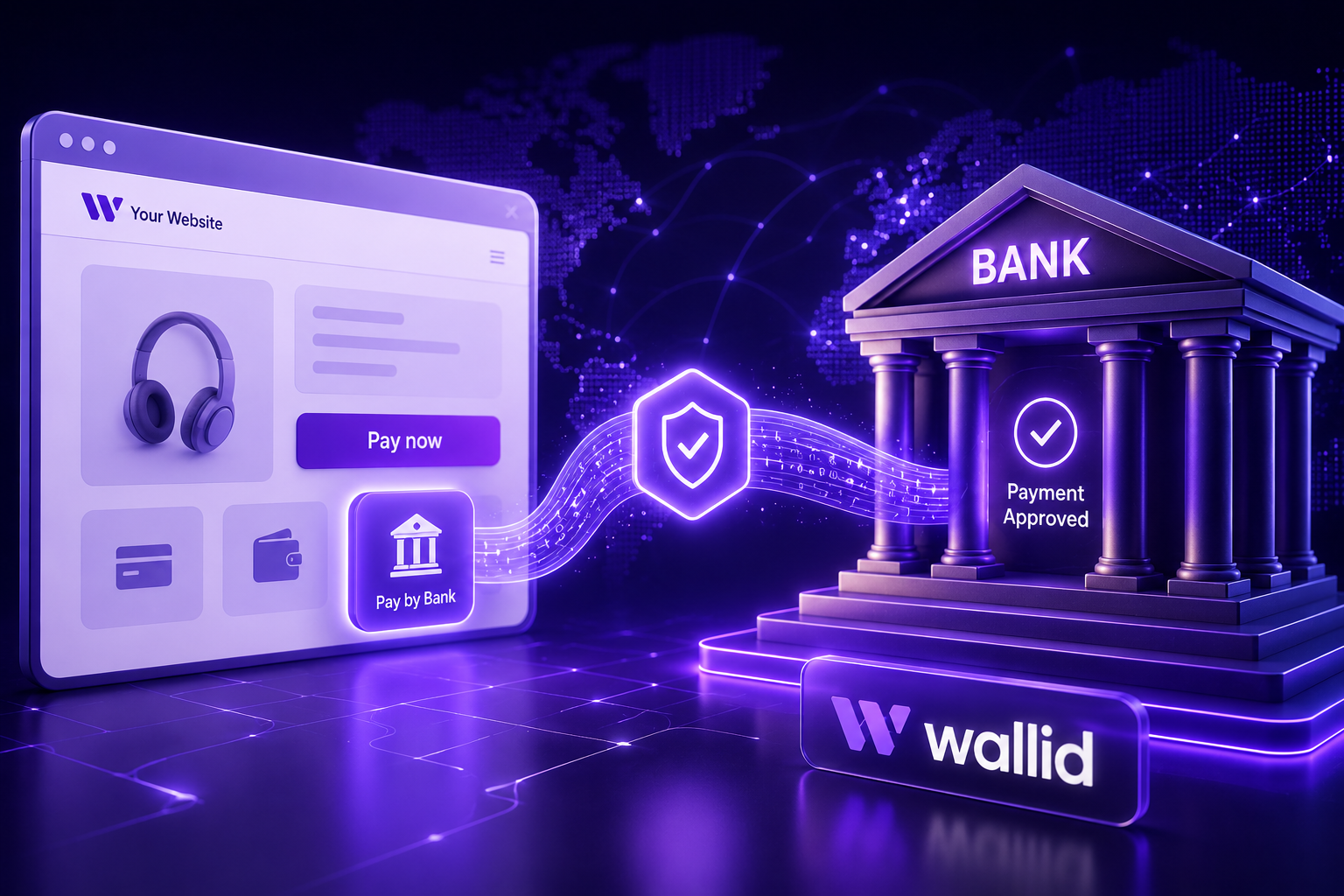
Pay by Bank lets customers pay directly from their bank account using Open Banking.
Instead of entering card details, the customer:
- Selects their bank
- Logs in securely
- Approves the payment
Wallid enables this via API, making it easy to integrate into AI-built websites and custom apps.
It’s useful for:
- Reducing reliance on cards
- Offering alternative payment options
- Supporting direct account-to-account payments
- Building flexible checkout flows
Most businesses use Pay by Bank alongside cards — not instead of them.
Bank transfer
Traditional bank transfers are mainly used for:
- Invoices
- B2B payments
- High-value transactions
They’re slower and require manual tracking, so they’re less suited for automated checkouts.
Which payment setup is best?
There’s no single “best” option.
The right setup depends on your business.
Ask yourself:
- Where are your customers located?
- Do you need subscriptions or one-time payments?
- What payment methods do customers expect?
- What are the costs and risks?
- How much control do you need?
Most businesses combine methods — for example, cards + Pay by Bank — to improve flexibility and reduce dependency on one provider.
Integration options explained
Your integration choice affects both speed and flexibility.
API
Best for full control.
Ideal for:
- SaaS platforms
- Marketplaces
- Custom ecommerce flows
Hosted checkout
Best for simplicity.
You redirect users to a provider-managed page and return them after payment.
Payment links
Best for speed.
Ideal for:
- Early-stage businesses
- Services
- Testing demand
How to get started (step-by-step)
- Define what you’re selling (products, SaaS, services)
- Identify your markets (UK, EU, global)
- Choose payment methods
- Compare providers
- Pick integration type (API, hosted, link)
- Test the full checkout experience
Start simple. You can always improve later.
If your AI-built site already works, you can add payments without rebuilding it.
Adding Pay by Bank with Wallid
To add Pay by Bank using Wallid:
- Confirm your business is supported
- Integrate via API
- Add Pay by Bank to your checkout
- Connect payments to orders, users, or subscriptions
Because Wallid works via API, you don’t need to rebuild your site or switch platforms.
It fits naturally into AI-built websites and custom applications.
Common mistakes to avoid
AI speeds up development — but it doesn’t replace decision-making.
Avoid these common mistakes:
- Assuming AI tools handle payments automatically
- Choosing a provider without checking eligibility
- Offering only one payment method
- Treating Pay by Bank like manual transfers
- Skipping testing (especially mobile)
- Launching without refund or subscription policies
Fixing these early prevents lost revenue and delays.
Do you need Shopify or WooCommerce?
No.
You can accept payments on an AI-built website using:
- APIs
- Hosted checkout
- Payment links
Shopify and WooCommerce can simplify ecommerce — but they’re not required.
Final takeaway
AI can build your website — but it won’t build your payment system.
To start accepting payments, you need to:
- Choose the right payment methods
- Select a suitable provider
- Pick an integration approach
Wallid helps you add Pay by Bank via API, giving you a direct bank payment option alongside cards and wallets.
With the right setup, your AI-built website can accept payments reliably — without switching platforms or starting over.

