

A bank transfer payment is one of the oldest and simplest ways to accept money online. In WooCommerce, it typically means the customer places an order, receives your bank details, and manually transfers funds from their banking app.
No cards.
No digital wallets.
No instant confirmation.
For some merchants, especially in the UK, this method feels straightforward and low-cost. But manual bank transfers introduce friction, delay, and operational risk that directly affect conversion and cash flow.
This article explains how manual bank transfers work in WooCommerce, where they break down, and how modern bank-based alternatives evolved from this model.
What Is a Bank Transfer Payment in WooCommerce?
A manual bank transfer (often called BACS in the UK) allows customers to:
- Select “bank transfer” at checkout
- Place the order
- Receive your bank account details
- Log into their banking app separately
- Send the payment manually
From WooCommerce’s perspective, the order is created — but payment is not confirmed in real time.
The order typically remains in a pending state until you manually verify that the funds arrived.
What the Customer Experience Looks Like
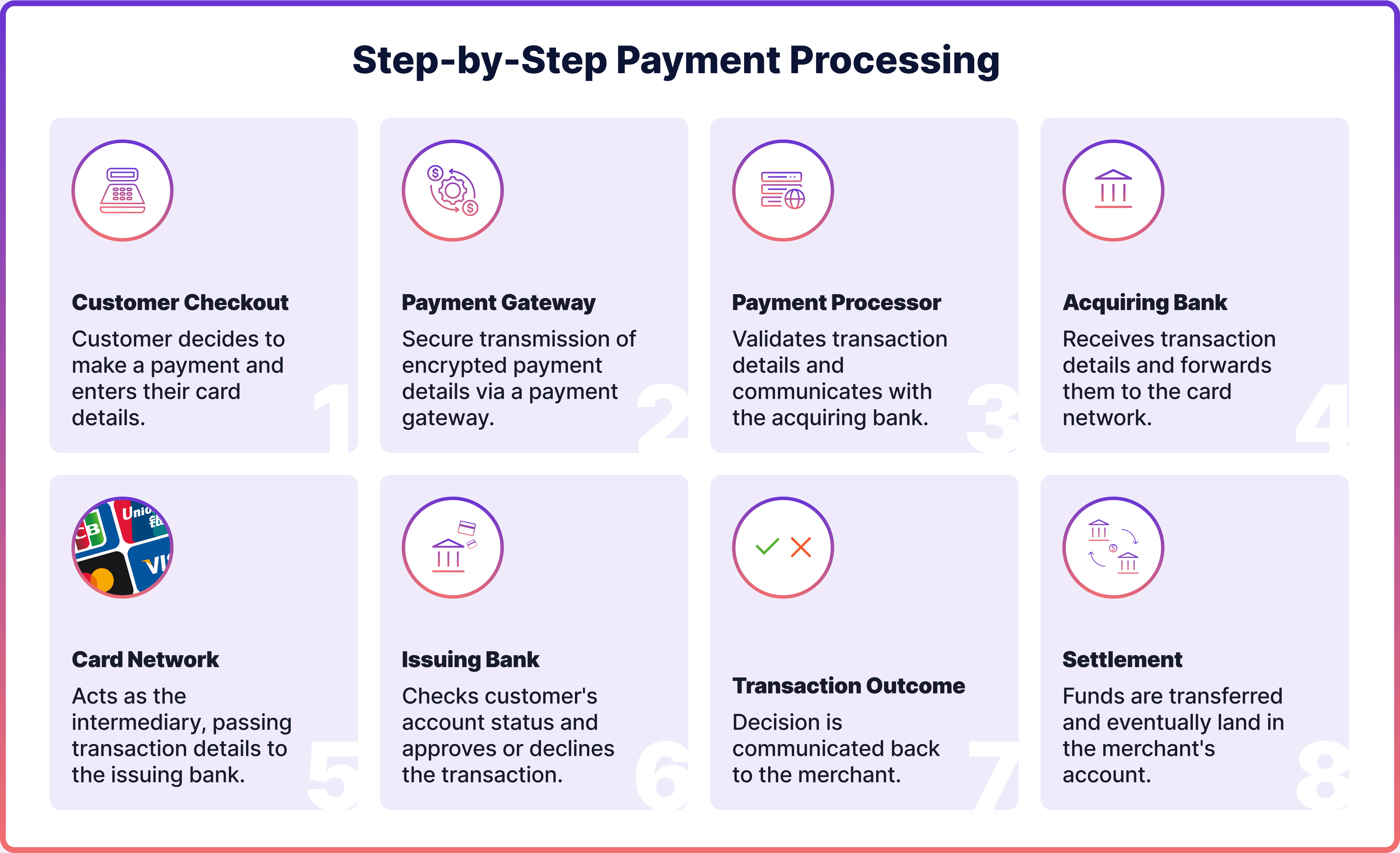
At checkout, the flow breaks into two separate journeys:
- Journey 1: Place the order
- Journey 2: Complete the bank transfer externally
This split creates several friction points:
- The customer must leave checkout
- They must manually enter bank details
- They must copy the correct payment reference
- They receive no instant success confirmation
Each additional step increases the probability of abandonment.
The Core Limitations of Manual Bank Transfers
Manual flows introduce structural constraints that do not exist with real-time payment methods.
1. No Real-Time Confirmation
There is no immediate payment validation.
Even if the customer sends the money instantly, your store does not automatically:
- Confirm receipt
- Update order status
- Trigger fulfilment
This creates uncertainty for both parties.
2. Manual Reconciliation
Someone must:
- Log into the business bank account
- Match incoming payments to order numbers
- Manually update WooCommerce order status
For stores with low volume, this is manageable.
For growing merchants, it becomes operational overhead.
Reconciliation errors also create customer support issues when references are incorrect or missing.
3. High Abandonment Risk
Because customers must leave checkout, the drop-off risk increases.
Common scenarios:
- Customer postpones the transfer and forgets
- Customer miscopies bank details
- Customer hesitates due to trust concerns
- Customer chooses a competitor offering instant confirmation
The more steps outside the checkout flow, the lower the completion rate tends to be.
4. Delays in Fulfilment and Cash Flow
Manual bank transfers can introduce:
- Payment delays
- Shipping delays
- Slower revenue recognition
This impacts:
- Inventory turnover
- Customer satisfaction
- Cash-flow predictability
When Manual Bank Transfers Can Still Make Sense
Despite their limitations, manual bank transfer payments may still be suitable when:
- Orders are high-value and infrequent
- Customers are B2B buyers
- The relationship is trust-based
- Speed is not critical
In these cases, operational friction may be acceptable.
However, for consumer-style WooCommerce stores focused on conversion and scale, manual bank transfers are rarely optimal as a primary payment method.
Bank Transfers vs Modern Bank-Based Payments
Manual bank transfers represent the original version of bank-based payments.
Modern pay-by-bank solutions evolved to solve the same problem — paying directly from a bank account — but with:
- Real-time confirmation
- In-checkout authentication
- Automated reconciliation
- Immediate order status updates
The customer still pays from their bank account.
But the experience remains inside checkout and the merchant receives instant confirmation.
This removes the operational and conversion limitations associated with manual transfers.