
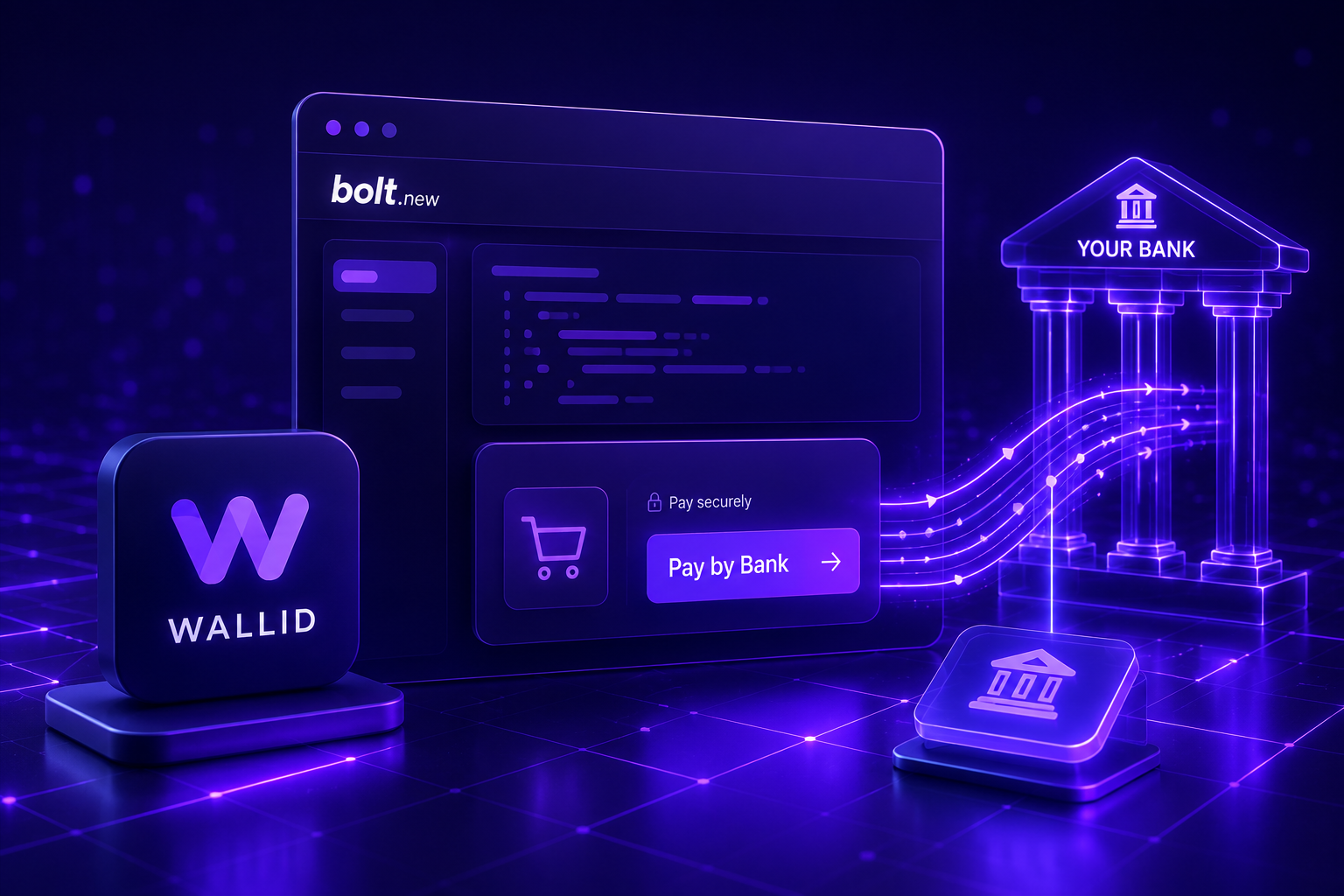
Building an application with Bolt.new is one of the fastest ways to turn an idea into a working product. But once your app is live, a new challenge appears: how do you actually accept payments?
Whether you're launching a SaaS platform, an internal business tool, a marketplace, or a customer portal, choosing the right payment method is just as important as building the application itself. The checkout experience directly impacts customer trust, conversion rates, and ultimately your revenue.
A well-designed payment flow doesn’t just process transactions — it removes friction, builds confidence, and supports long-term growth.
This article explains how Bolt.new apps can accept payments, the different integration options available, and how to choose the right payment setup for your business.
The Short Answer
Yes, applications built with Bolt.new can accept payments.
Bolt.new gives you the flexibility to integrate external payment providers using APIs, hosted checkout pages, or payment links. This means you can support traditional card payments, digital wallets, and modern Pay by Bank solutions depending on the provider you choose.
The best option depends on how much control you want over the checkout experience, how quickly you want to launch, and how you expect your product to evolve over time.
What Is Bolt.new?
Bolt.new is an AI-assisted application builder that helps businesses create web applications with minimal manual coding. Instead of spending weeks or months developing a project from scratch, founders and teams can rapidly build functional applications and iterate as their business grows.
This speed is particularly valuable for startups and product teams that need to validate ideas quickly or launch MVPs without heavy engineering resources.
However, while Bolt.new simplifies application development, it does not include built-in payment processing. To accept payments, merchants must connect their application to an external payment provider.
This separation is actually beneficial: it allows you to choose the payment solution that best fits your business model, rather than being locked into a single system.
Can Bolt.new Apps Accept Payments?
Absolutely.
Because Bolt.new applications can connect with external services, merchants are free to choose the payment solution that best fits their needs. This flexibility allows you to design a payment experience that aligns with your product, your customers, and your growth strategy.
Most payment providers offer one or more of the following integration methods:
Rather than choosing just one approach, many businesses combine multiple methods. For example, you might use hosted checkout for subscriptions, payment links for manual invoices, and APIs for in-app purchases.
This layered approach improves flexibility and reduces reliance on a single payment flow.
This layered approach improves flexibility and reduces reliance on a single payment flow.
Payment Methods Available for Bolt.new
When selecting a payment solution, think beyond simply accepting money. Consider the full payment experience:
- How easy is it for customers to complete a purchase?
- What payment methods do your customers expect?
- How much do transactions cost?
- How quickly do you receive funds?
- Can the solution scale with your business?
Answering these questions early helps you avoid costly changes later.
Hosted Checkout
Hosted checkout pages allow customers to complete payment on a secure page managed by the payment provider.
This approach is ideal for merchants who want to launch quickly without building and maintaining their own payment interface. Security, compliance, and payment handling are managed by the provider, reducing technical complexity.
Hosted checkout is particularly useful for:
- Subscription-based products
- Early-stage SaaS platforms
- Businesses prioritising speed to market
The trade-off is reduced control over the user experience, as customers are redirected away from your application during payment.
Payment Links
Payment links are one of the simplest ways to start accepting payments.
Instead of building a checkout flow, you generate a link that customers can use to complete a transaction. These links can be shared via email, messaging apps, or embedded in invoices.
They work particularly well for:
- Service businesses
- Freelancers and consultants
- Manual billing workflows
- Early-stage products testing demand
While payment links are easy to implement, they are not ideal for fully automated or highly scalable applications.
Payment APIs
Payment APIs provide the highest level of flexibility.
With an API integration, you can embed the entire checkout experience directly into your application. This allows you to control every aspect of the payment journey, from UI design to payment logic.
This approach is best suited for:
- SaaS platforms with recurring billing
- Marketplaces with complex payment flows
- Products requiring seamless in-app purchases
Although APIs require more development effort, they offer long-term advantages in terms of user experience, scalability, and customisation.
Pay by Bank
Pay by Bank enables customers to pay directly from their bank account using Open Banking technology, bypassing traditional card networks.
This payment method is gaining traction across the UK and Europe as businesses look for alternatives to card payments.
For merchants, Pay by Bank can offer several advantages:
- Lower transaction costs compared to cards
- Reduced risk of chargebacks
- Faster settlement times
- Increased payment choice for customers
For customers, it provides a secure and familiar way to pay using their banking app.
Solutions such as Wallid allow merchants to integrate Pay by Bank alongside existing payment methods, rather than replacing them. This makes it easy to expand your payment offering without disrupting your current setup.
Which Option Is Best?
There is no one-size-fits-all answer.
The right solution depends on your product, your customers, and your stage of growth.
- If you're launching quickly or testing an idea, hosted checkout or payment links may be the best starting point.
- If you're building a polished product with a strong focus on user experience, API integrations provide greater control.
- If you're looking to optimise costs and diversify payment methods, adding Pay by Bank can be a strategic advantage.
In many cases, the best approach is incremental: start simple, then evolve your payment setup as your business grows.
How to Add Payments to a Bolt.new App
Adding payments to a Bolt.new application typically follows a structured process.
- Define your payment flow
- Decide how customers will interact with payments — subscriptions, one-time purchases, invoices, or a combination.
- Choose a payment provider
- Select a provider that supports your preferred integration method and payment types.
- Set up your account
- Complete onboarding, verification, and obtain your API credentials.
- Integrate with your application
- Connect your Bolt.new app using hosted checkout, links, or APIs.
- Test thoroughly
- Simulate transactions, edge cases, and failure scenarios to ensure reliability.
- Go live and monitor
- Launch your payment flow and track performance, conversion rates, and potential issues.
As your business grows, you can refine and expand your payment setup without rebuilding your entire application.
Common Mistakes to Avoid
Many merchants focus on getting payments working as quickly as possible. While speed is important, overlooking key decisions early can create challenges later.
Avoid these common mistakes:
- Choosing a payment provider without understanding your long-term needs
- Offering only one payment method, limiting customer choice
- Ignoring the checkout experience and its impact on conversion rates
- Underestimating transaction fees as volume increases
- Failing to plan for international expansion or multi-currency support
- Not considering how payments integrate with your broader product experience
A thoughtful payment strategy doesn’t just support your current product — it enables future growth.
By taking the time to choose the right approach now, you can build a payment system that scales with your business and supports a better experience for your customers.

