Blog

Built an App in Cursor? Here's How to Start Accepting Payments

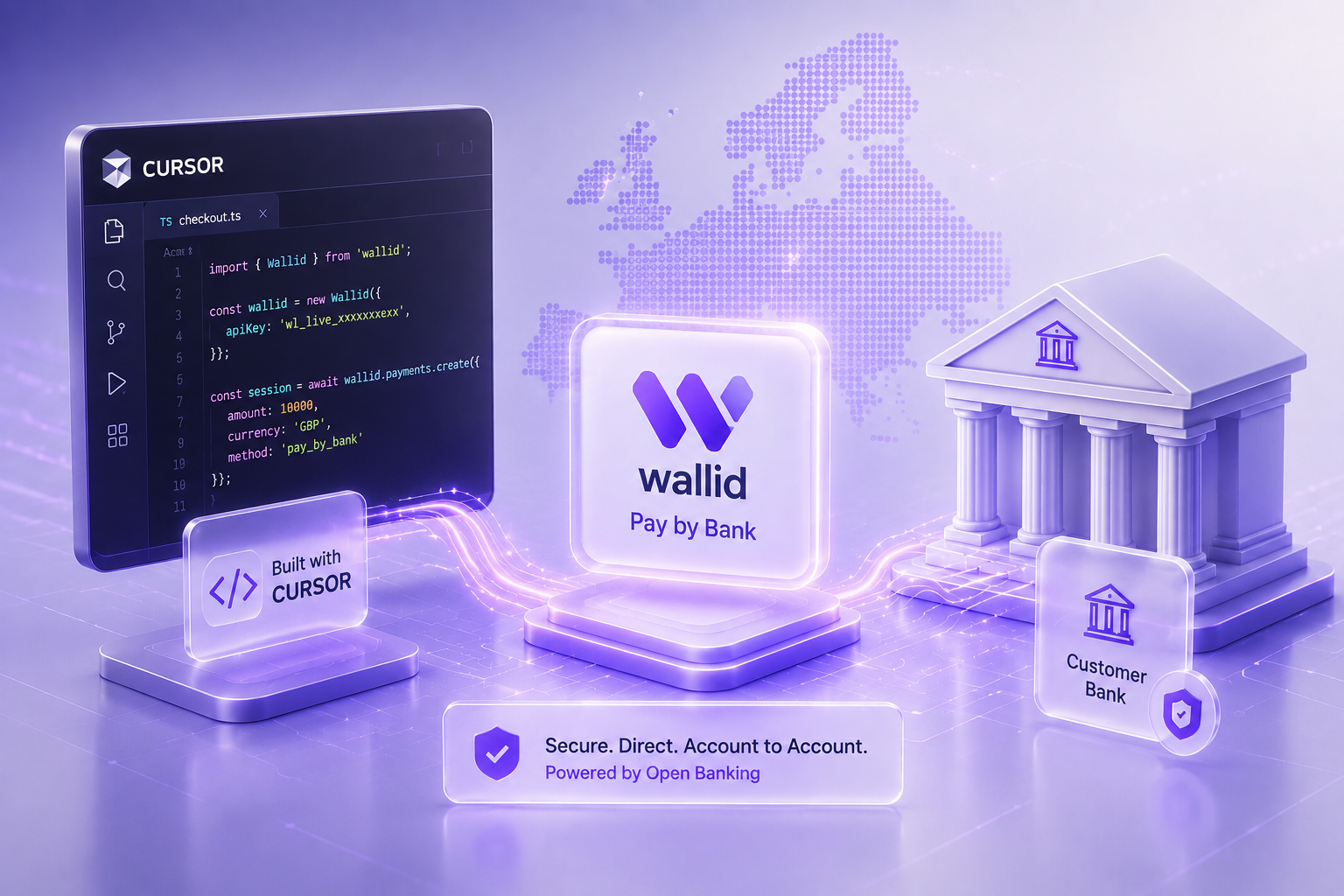
Futuristic illustration of a Cursor-built application integrated with Wallid Pay by Bank API showing secure Open Banking payment infrastructure and account-to-account transactions.

Turn Your Cursor App Into a Revenue-Ready Product

Built your app in Cursor and ready to launch? The next step is simple, but critical: getting paid.
Cursor helps you write and ship code fast, but it doesn’t handle payments. To start charging customers, you’ll need to integrate a payment provider into your application.
The good news? You’re not locked into any one solution. You can choose the payment methods that best fit your business—cards, wallets, subscriptions, or Pay by Bank.

Key Takeaways

  • Cursor helps developers build applications faster, but payment processing still requires integration with a payment provider.
  • You can connect payment APIs such as Stripe, PayPal or Pay by Bank solutions to a Cursor-built application.
  • The right payment method depends on your customers, transaction values and the countries where you operate.
  • Modern payment providers typically offer SDKs, APIs and sandbox environments that simplify integration and testing.
  • Testing your checkout before launch helps prevent payment failures and provides a smoother customer experience.
  • Wallid provides a Pay by Bank API that enables UK and European businesses to accept secure account-to-account payments.
This guide shows you exactly how to do it.

Can Cursor Accept Payments?

No, Cursor doesn’t process payments.
Cursor is an AI-powered code editor, not a payment platform. It doesn’t include:
  • A checkout page
  • A payment gateway
  • A merchant account
  • Payment processing
Instead, you connect your app to a payment provider using APIs or SDKs.
That flexibility is a big advantage—you can build your payment stack exactly how you want.

Why Payments Are Separate From Cursor

Building software and processing payments are two different systems.
Cursor helps you build your product. Payment providers handle:
  • Secure transactions
  • Card and bank payments
  • Fraud prevention
  • Customer authentication
  • Compliance and settlement
This separation keeps your app flexible—but it means you need to add payments before you can monetize.
On this page

How Payments Work in a Cursor App

Most integrations follow the same flow:
  1. Customer selects a product or plan
  2. Your app creates a payment request
  3. The provider processes the payment
  4. You receive confirmation
  5. Your app updates the user account

How Payments Work in a Cursor-Built Application

Cursor builds your application. A payment provider securely processes transactions while your app controls the customer experience.

1
Customer Starts Checkout
The customer selects a product or subscription inside your application.
2
Your App
Cursor-Built Application
Your app creates the payment request and sends it to the payment API.
3
Payment Infrastructure
Payment Provider
Stripe, Wallid or another provider authenticates and processes the payment.
4
Payment Infrastructure
Bank or Card Network
The customer's bank authorises the payment and returns the result.
5
Payment Confirmed
Your application receives confirmation and unlocks the purchased product or service.
Your app controls the experience. The provider handles the money.

Payment Options You Can Add

Choosing the right payment methods can directly impact conversion.
Payment Method Typical Provider Best For Developer Effort
Credit & Debit Cards Stripe, Adyen Most online businesses and global customers Low–Medium
Digital Wallets Apple Pay, Google Pay, PayPal Fast mobile checkout and returning customers Low
Buy Now, Pay Later Klarna, Clearpay Higher-value consumer purchases Medium
Bank Transfer Traditional banking Invoices and manual business payments Low
Pay by Bank Wallid Low fees, instant account-to-account payments and reduced chargeback risk Low
Offering multiple options usually improves checkout completion rates.

Popular Payment Providers

Here are common providers developers integrate with Cursor apps:
Provider Supports Cards Digital Wallets Pay by Bank Developer API
Wallid ✅ Native ✅ REST API
Stripe Limited (market dependent) ✅ Extensive
PayPal ✅ Native
Adyen Available in selected markets
Mollie Available in supported countries

Choosing the Right Payment Method

Each payment method solves a different problem. The best choice depends on your customers, transaction values and the markets you serve.

Cards
Best for most online businesses
  • Universal acceptance
  • Fast customer adoption
  • Higher processing fees
  • Chargeback risk
PayPal
Returning PayPal users
  • Strong consumer trust
  • Quick checkout
  • External payment flow
  • Additional fees
Digital Wallets
Mobile-first experiences
  • Apple Pay & Google Pay
  • One-tap checkout
  • Requires supported devices
Bank Transfer
Large B2B transactions
  • Low payment costs
  • Trusted by businesses
  • Often manual reconciliation
Your choice depends on your customers, pricing model, and geography.
On this page

When Pay by Bank Is Worth Adding

Pay by Bank lets customers pay directly from their bank account using Open Banking.
Instead of card networks, payments move account-to-account after user approval.
It’s especially useful if you:
  • Process high-value transactions
  • Want to reduce fees
  • Operate in the UK or Europe
  • Want fewer chargebacks
  • Need faster settlement
Most businesses don’t replace cards—they add Pay by Bank alongside them.
On this page

Using Wallid in a Cursor App

Wallid is a Pay by Bank provider designed for UK and European businesses.
You can integrate it into your Cursor-built app via API to:
  • Accept direct bank payments
  • Offer an alternative to cards
  • Reduce payment costs
  • Lower chargeback risk
If you later expand to platforms like Shopify or WooCommerce, Wallid also supports those—so your payment setup can scale with you.

How to Add Payments (Step-by-Step)

Getting started is straightforward:

From Cursor Project to Live Payments

Once your application is ready, integrating payments is a structured process. Most providers offer APIs, SDKs and testing environments that let you move safely from development to production.

1
Choose Your Payment Provider
Compare pricing, supported countries, currencies, payment methods and developer documentation.
Planning
2
Create Your Merchant Account
Complete business verification and configure your account settings before accepting payments.
Account Setup
3
Connect the API
Use your API keys or SDK to create payment sessions directly from your Cursor-built application.
Development
4
Test Every Payment Scenario
Verify successful payments, declined transactions, refunds and webhook events using sandbox credentials.
Testing
5
Go Live
Replace test credentials with production keys and begin accepting real customer payments.
Launch
On this page

Best Practices That Improve Conversion

Small improvements can make a big difference:
  • Offer more than one payment method
  • Keep checkout fast and simple
  • Don’t store sensitive payment data
  • Handle failed payments clearly
  • Test webhooks and edge cases
  • Monitor performance after launch
A smooth payment experience builds trust—and increases revenue.

Ready to Accept Payments in Your Cursor Application?

Whether you're building a SaaS platform, marketplace or ecommerce application with Cursor, Wallid helps you integrate secure Pay by Bank payments through a developer-friendly API designed for businesses across the UK and Europe.

Talk to Our Payments Team

Learn how Wallid can help you launch faster, reduce payment costs and offer secure account-to-account payments alongside your existing checkout.

Quick Example

Let’s say you’re building a SaaS tool in Cursor.
Your app manages users and subscriptions. Instead of building payments from scratch, you integrate a provider.
At checkout, users choose between card or Pay by Bank. Once payment is confirmed, your app activates their subscription automatically.
You focus on your product. The provider handles the transaction.

Final Thoughts

Cursor helps you build powerful applications—but payments are a separate layer you need to add.
The right payment setup lets you start charging customers quickly while keeping your app flexible.
If you’re targeting the UK or Europe, adding Pay by Bank through a provider like Wallid can reduce costs and give customers another secure way to pay.
Build your product in Cursor. Plug in the right payments. Start generating revenue.

Frequently Asked Questions

Can Cursor accept payments on its own?

No. Cursor is an AI coding tool that helps build applications. You still need to integrate a payment provider to process customer payments.

Which payment providers can I use with Cursor?

You can integrate providers such as Stripe, PayPal, Square or Pay by Bank solutions, depending on your target market and technical requirements.

Does Cursor include a payment gateway?

No. Cursor generates application code but does not include its own payment gateway or merchant account.

Can I integrate Pay by Bank into a Cursor application?

Yes. If your payment provider offers APIs or SDKs for Pay by Bank, you can integrate them into applications built with Cursor.

Do I need coding experience to add payments?

Basic development knowledge is helpful, but modern payment providers supply documentation, SDKs and sample code that simplify the integration process.

How should I test my payment integration?

Use your provider's sandbox environment to verify successful payments, failed transactions, refunds and webhook events before going live.

What payment method is best for UK and European businesses?

Many businesses combine cards, digital wallets and Pay by Bank to provide customers with multiple payment options while improving checkout flexibility.

Can Wallid be integrated into Cursor-built applications?

Yes. Wallid provides a Pay by Bank API that developers can integrate into custom applications to accept secure account-to-account payments.

Expert Note This article was written by a Wallid Content Specialist with expertise in ecommerce payments, Open Banking and payment infrastructure for online businesses across the UK and Europe. It is part of Wallid's educational series explaining how developers and businesses can integrate payments into AI-built applications, compare payment methods and implement secure Pay by Bank solutions using modern APIs.
AI